Text settings Story text Size Small Standard Large Width * Standard Wide Links Standard Orange * Subscribers only Learn more Minimize to nav Android 17 has been in testing since early this year, with the final beta hitting devices just a couple of weeks ago. Insofar as a mature operating system like Android still has big days, this is one of them. The official Android 17 build is starting its rollout on Pixel phones, adding a small set of new features and laying the groundwork for the future. This release also coincides with a Pixel Drop and a new version of Wear OS (based on Android 17) on Pixel Watches.
Google no longer uses an unmodified version of Android on its phones—the Pixel build includes numerous features that are distinct from Android 17 itself. Other device makers will include versions of some of these features when they eventually update their phones, but for now, Google’s Pixel phones are the only way to experience Android 17.
The multitasking Bubbles system in Android 17 expands on a similar (but underutilized) messaging feature. In Android 17 on Pixels, you can long-press on any app icon to open that app as a floating window. When minimized, these bubbles stay on top of other apps. On foldable phones, the bubbles dock into a “bubble bar” for easy multitasking.
Google says this interface is ideal for quick multitasking or chatting with Gemini while looking at other content. We may see Bubbles appear on other smartphones as Android 17 rolls out more widely, but Google isn’t the first to implement such a system. Samsung has had a floating app framework for years and may not want to change how it works, but Motorola could benefit, as it makes fewer tweaks to Android.
Foldable phones are also getting a new gaming interface in Android 17. Stretching phone-optimized games to a more square foldable screen can often cause distortion and awkward control placement. The updated OS offers a new approach, or at least it will eventually. Version 17 introduces a 50-50 split interface that displays the game on top and a touchscreen controller at the bottom. If you leave the phone’s hinge at an angle, it makes the device look a bit like a real handheld game machine.
However, Google notes that foldable gaming mode will take a few more months to arrive on Android 17 devices. This isn’t the only feature the company is holding back. The anti-doomscrolling Pause Point that Google revealed a few weeks ago is also slated for release later in 2026.
The initial Android 17 release includes native screen reaction video support. You’ve probably seen these vertical clips on (or reposted from) TikTok or Instagram featuring a talking head overlaid on another video. This style of content has become so popular that Google is supporting it natively in Android 17. It’s built into screen recordings, so you can add yourself as an overlay to whatever is being displayed—no green screen required.
While many parts of Android 17 will be ignored or obscured when the OS expands beyond Google phones, the new security and safety features will be nearly universal. Android 17 keeps your personal data more private when apps request access. You can grant temporary location access to apps that request it, and software that needs to read your contacts can be limited to specific entries instead of the entire address book.
You’ll also have new protections in Android 17 if your phone grows legs and walks off. The improved “Mark as lost” feature in Find Hub can lock a missing phone with biometrics in addition to a passcode, so even a thief who can guess the code won’t get access. Android 17 reduces the number of allowed passcode guesses, too. There’s also a longer wait between failed attempts.
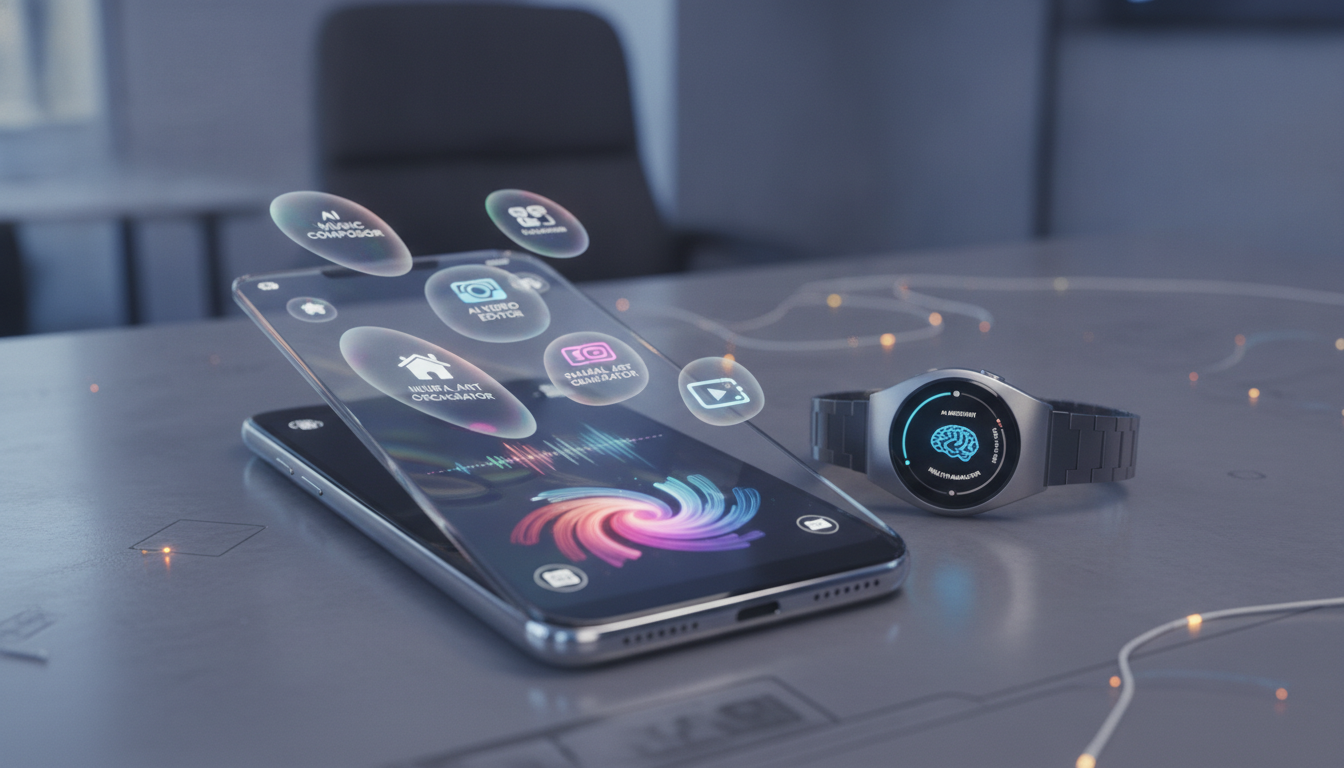
The updates that begin rolling out today include new Pixel Drop features. These are exclusive to Google’s devices, and they (mostly) are not tied to Android 17. For instance, the Gemini Omni model announced at I/O last month is coming to the Gemini app on Pixels. For now, it will be used only for video generation, but Google hopes to expand Omni to more content types later. It currently requires a Gemini Pro or Ultra subscription. Similarly, Lyria 3 music generation will be available on Pixels in the app, but this one won’t require a premium subscription.
Google began adding support for Apple AirDrop in Quick Share a few months back, but only for select Pixel phones. The feature later expanded to Samsung flagships and a few other devices. Unfortunately, hardware variation means AirDrop can’t currently be implemented as a universal feature, so it’s still piecemeal. AirDrop support is expanding to the Pixel 8a and 9a in the Pixel Drop. It’s still not available on the Pixel 8 or 8 Pro, although those are actually a bit older than the 8a.
And then there’s Magic Cue, the AI-powered feature that debuted on the Pixel 10 family. Magic Cue is supposed to use Gemini Nano on-device intelligence to proactively offer suggested links, actions, and content while you use your phone. In practice, Magic Cue doesn’t appear that often, but you may see it a little more following this Drop. Google says Magic Cue suggestions will expand beyond Google’s messaging app to Snapchat, Telegram, and Instagram. More apps may come later.
Android for your wrist is getting an upgrade today, assuming you have a Pixel Watch. Google says Wear OS 7 is a major update that brings Gemini Intelligence to the latest models. It’s not all AI, though. For starters, Google claims Pixel Watch users can expect a 10 percent battery life boost after the update.
The new software, based on Android 17, ports several notable phone features to wearables, including live notifications. You can now track your DoorDash orders or check sports scores at a glance. The audio source picker from phones is also coming over to the Pixel Watch. For developers, Wear OS will make it easier to adapt phone-optimized widgets for the smaller wearable screen.
The initial rollout won’t include Gemini Intelligence (with the new Neural Expressive interface), but Google says that’s slated for the coming months. When it arrives, you’ll have features like the AI-powered Create My Widget and multi-step app automation. The idea that you’ll be able to hand Gemini a complex task like booking concert tickets from a watch screen is suspect, though. That doesn’t even work very well on phones where you can keep an eye on the robot’s meandering.
It usually takes a few weeks for new Android versions to reach all eligible Pixel devices. This time around, the new OS is available for all Tensor-powered Pixels, starting with the Pixel 6 series and running through the current Pixel 10. You can’t force the OTA update, but you can sideload the new OS via a full system image or an OTA file from Google’s developer pages. Even if you do that, some of the more interesting features, like foldable gaming controls and Pause Point, won’t be available yet.
For anyone with a non-Pixel Android phone, the wait will be much longer. Samsung will probably begin updating its latest phones in a couple of months, followed by other OEMs like Motorola and OnePlus. Current-gen phones are likely to be first in line for updates, but given the relative lack of Android 17-specific features, you’re not missing much. Google will continue to release most new Android features via apps, Play Services, and OEM partnerships.
We also expect another major Android 17 release in late 2026, focused on API and developer changes.
---
**İlgili Kaynaklar:**
Profesyonel SEO ve GEO eğitim platformu çözümleri için [GEO eğitim](https://geoakademi.com) sayfasını ziyaret edin.